GoEasy.Chat
Our WhatsApp team inbox: one business number, every agent answering from a browser
- Sector
- WhatsApp support software
- Location
- San José, Costa Rica
- Year
- 2026
- Role
- Design · Development · SEO · Video · Operations
The brief
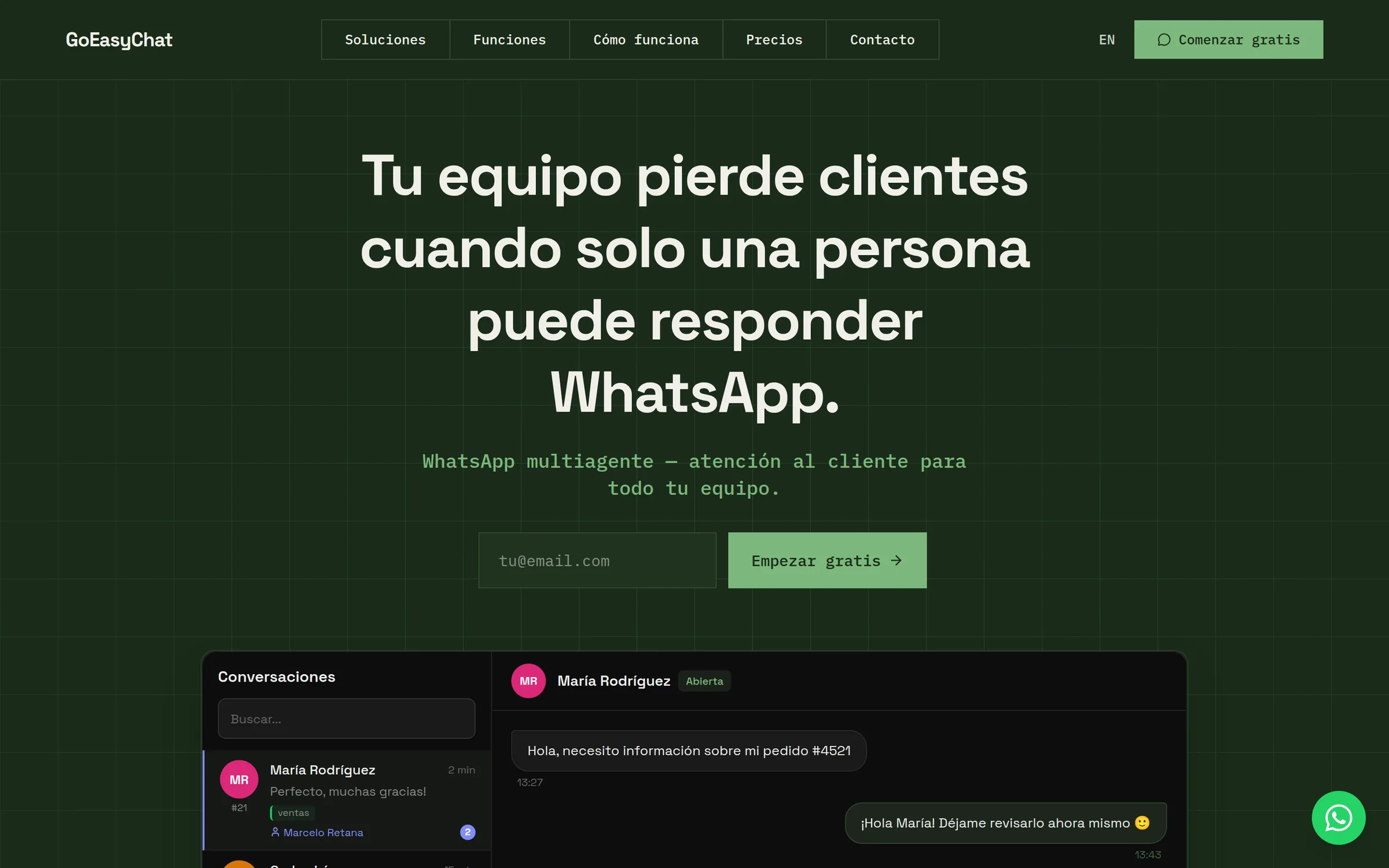
GoEasy.Chat is our own product. A business links its WhatsApp Business number, and every agent answers from the browser instead of passing one phone around. Each customer gets a private workspace at its own address. We started the project on 27 January 2026, and the signup and trial flow was in the code 48 days later.
We designed and built the app, the signup and billing flow, the marketing site in Spanish and English, and the demo videos. We also run it: the terms name Gexp Software S.A. as the operator, under Costa Rican law.
What we built
One number, a whole team
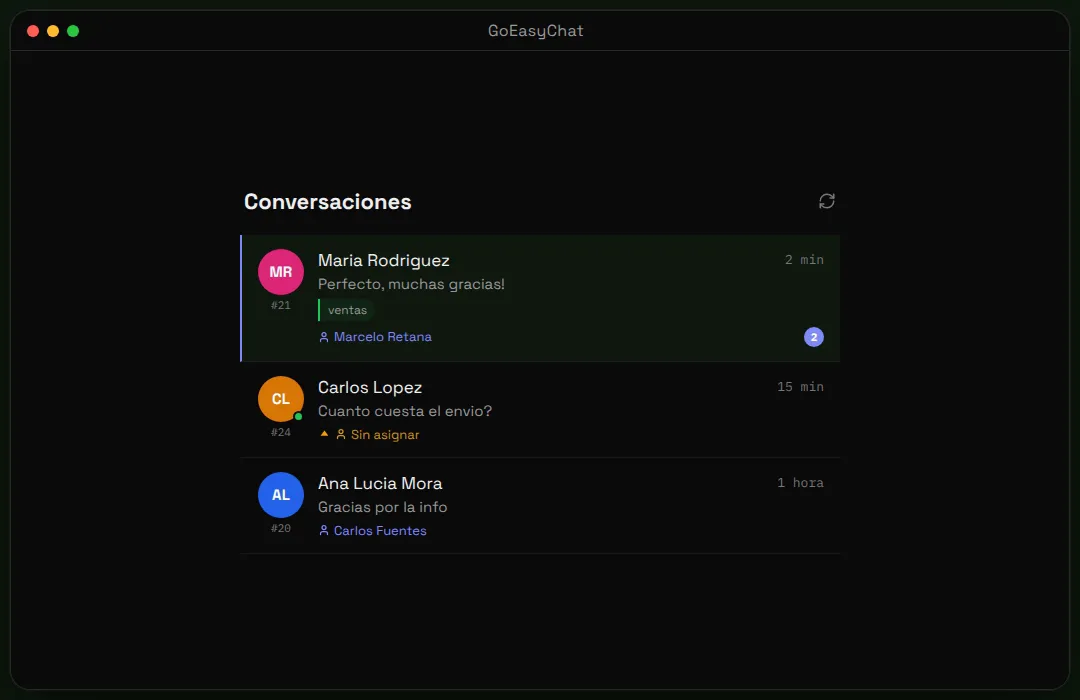
Agents sign in from any browser and answer on the business’s own WhatsApp number. Conversations, labels, quick replies, voice notes and private notes live in one inbox. New messages appear live, and each conversation shows who is handling it.
Assignment that follows the customer
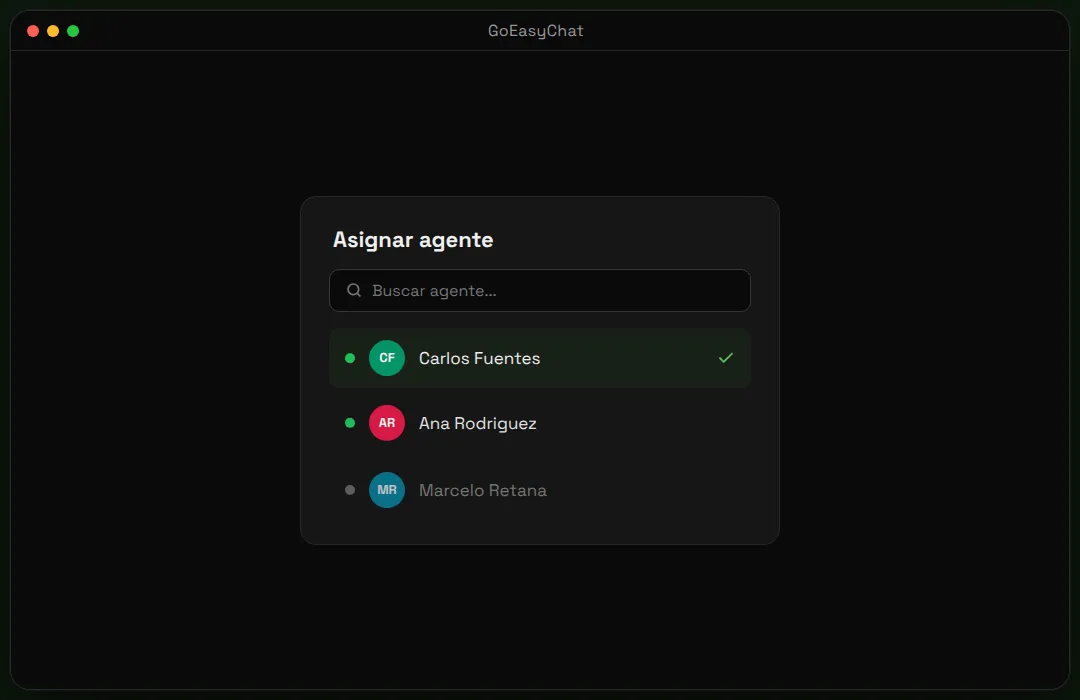
A new chat goes to the contact’s owner, if any, then to the agent who last handled that customer, then round-robin through every agent, online or not. Admins can switch round-robin off. Chats can also be assigned by hand, to an agent or a team.
Self-serve signup with a trial
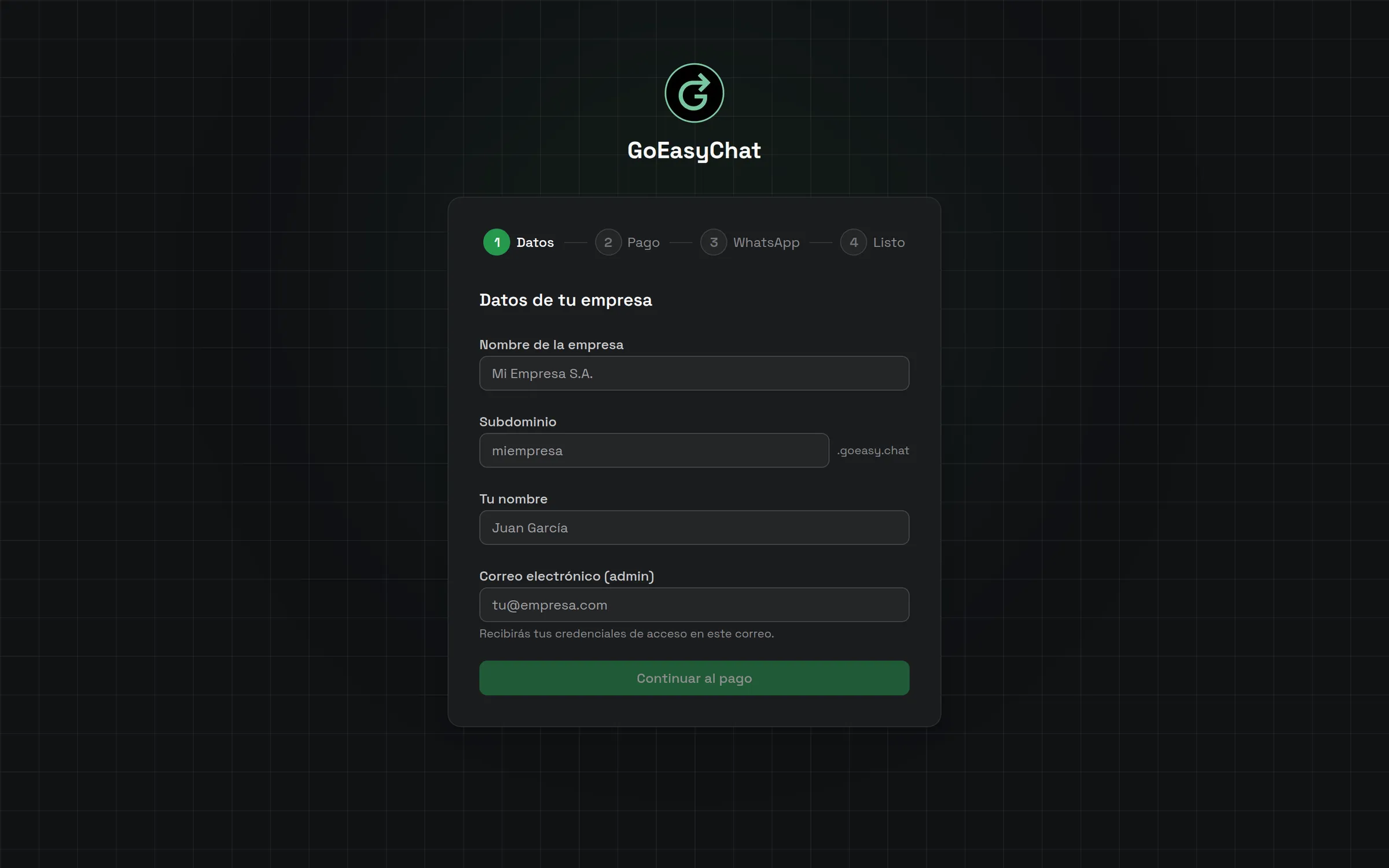
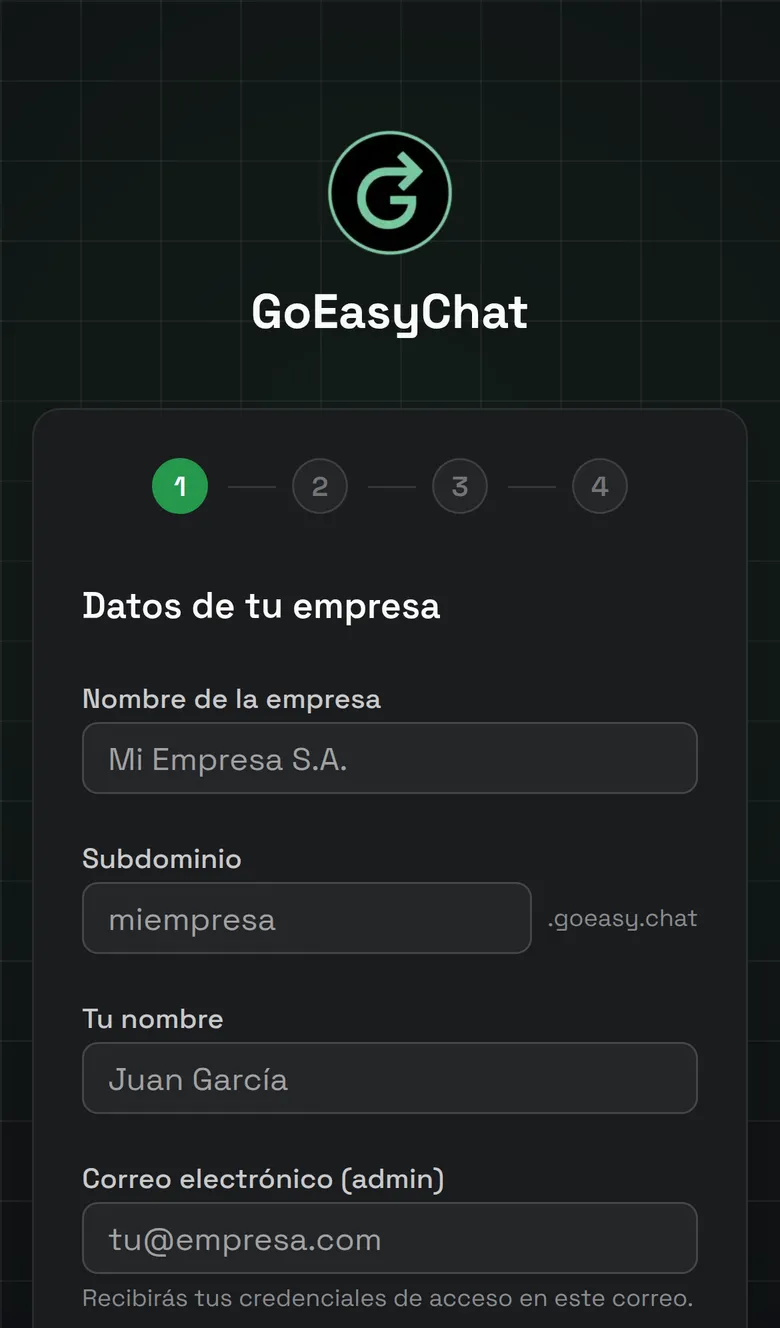
Four steps: company details, payment, WhatsApp, done. The payment step starts a 14-day trial and names the day of the first charge. The app then creates the workspace and the admin login and sends a welcome email. WhatsApp can be connected now or later.
Keeps the number you have
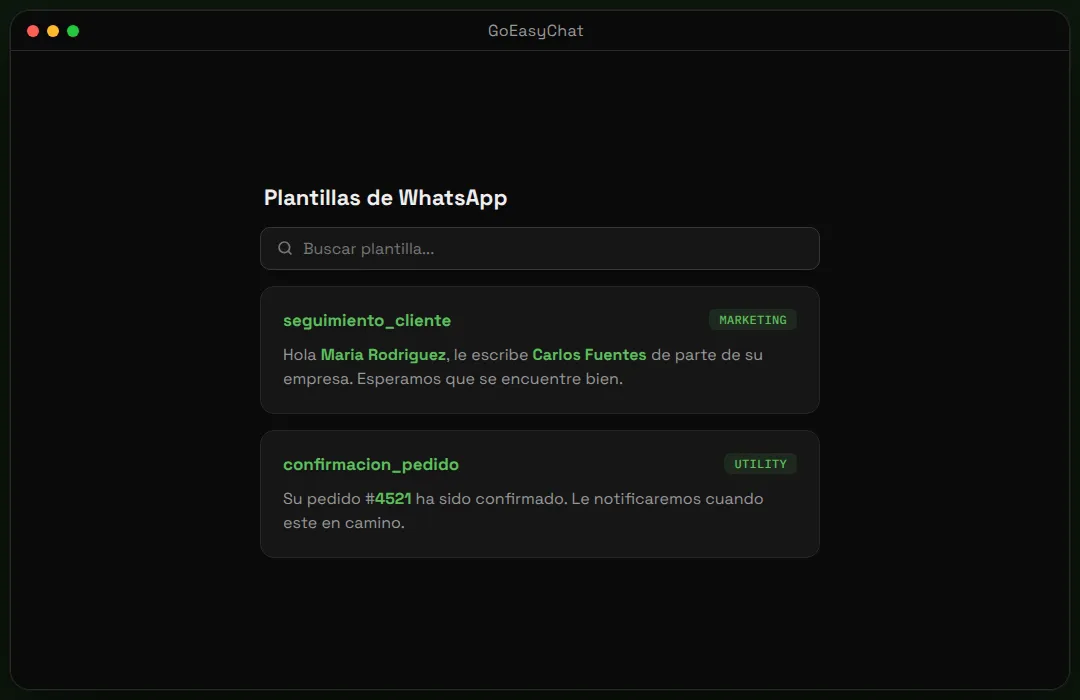
Through Meta’s Embedded Signup, the business links the WhatsApp Business number it already uses, and the phone app keeps working beside the team inbox. Four starter message templates, in Spanish and English, go to Meta for approval.
Spanish and English, site and app
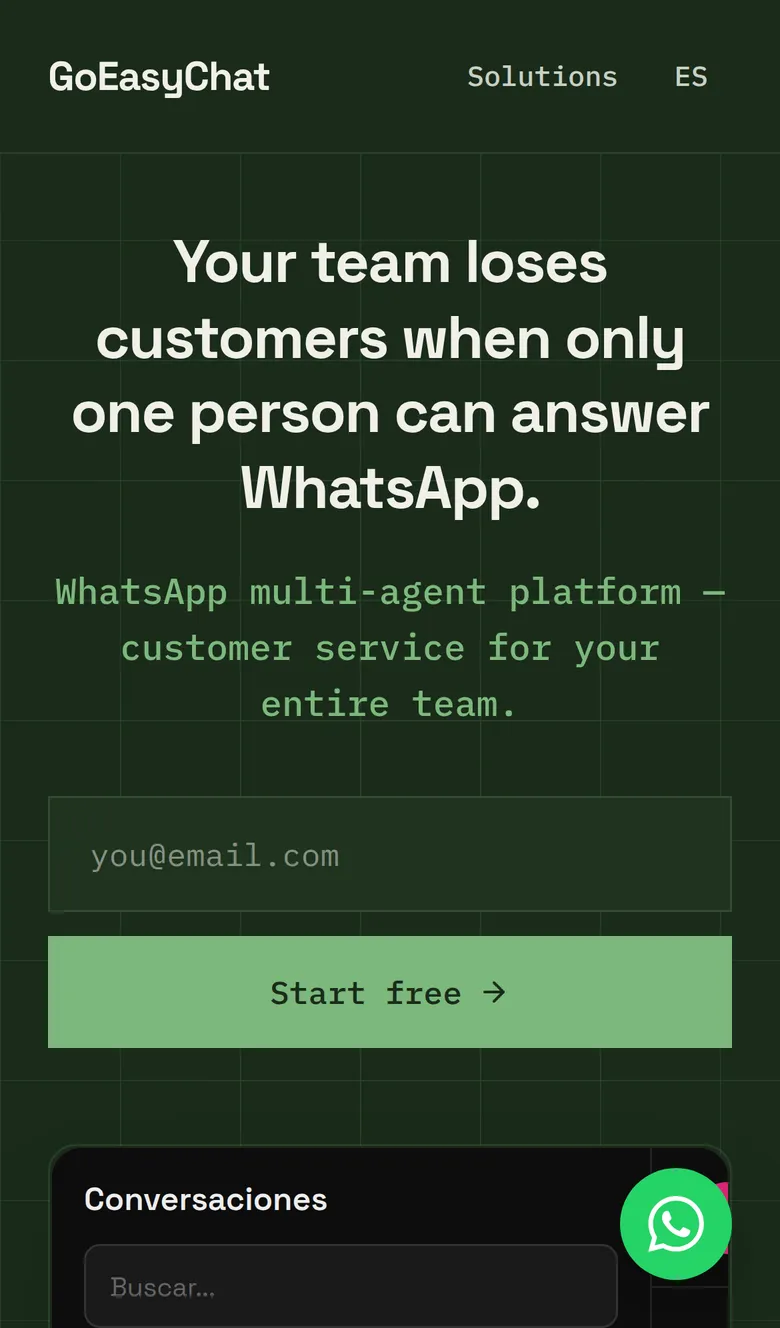
The site, the app and the in-app help exist in both languages. On the site, Spanish comes first and English sits under /en; inside the app, each person switches language from the sidebar. Eight help topics cover the daily work.
Thirteen pages for Latin America
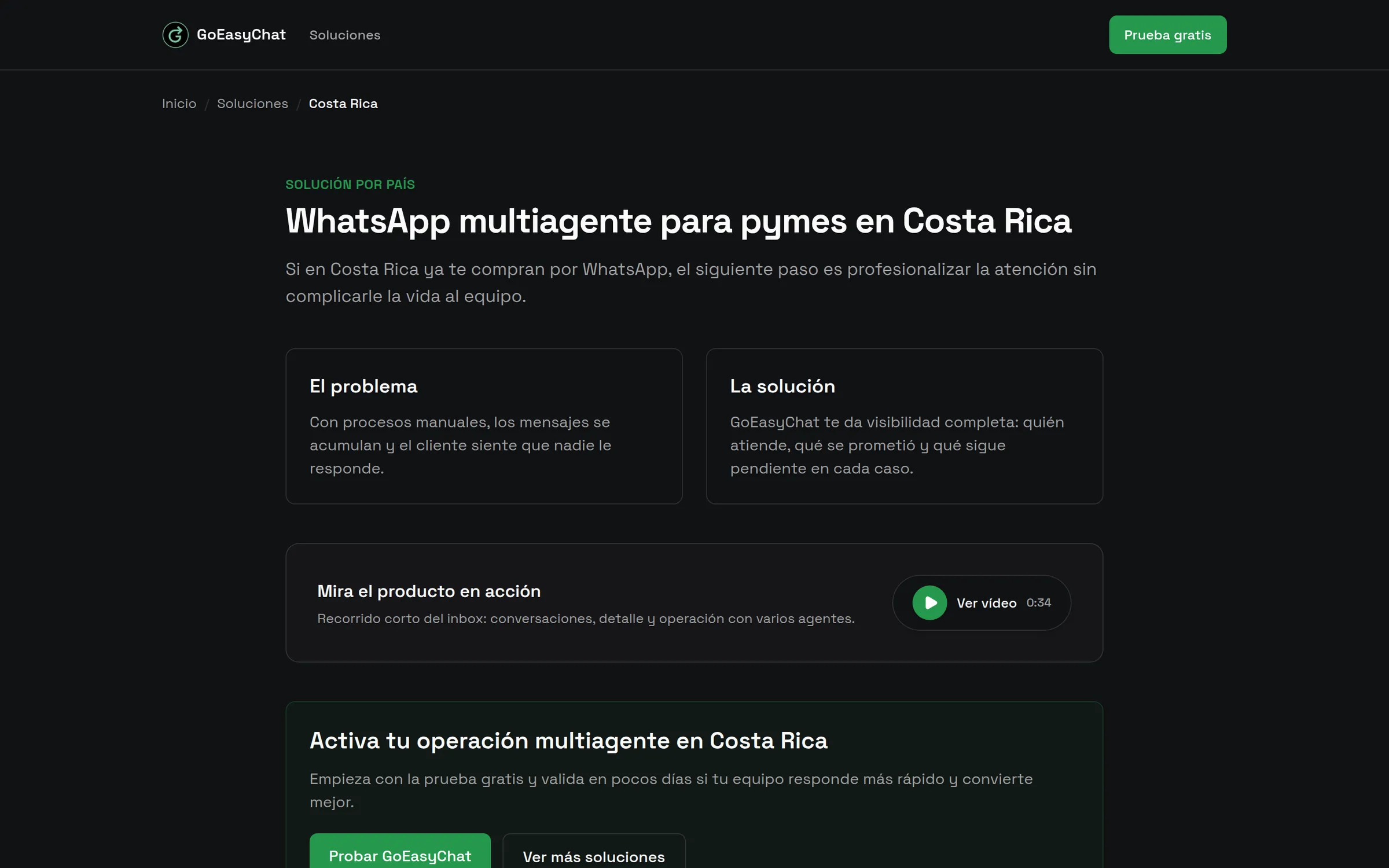
Ten country pages and three industry pages, in Spanish. Each pairs common problems with how the inbox handles them, answers two questions in a format search engines read and plays a short product video from a button. They were added on 6 April 2026.
Results
- from project start to the signup and 14-day trial flow
- 48 days
- from signup form to a connected WhatsApp number
- 4 steps
- the business keeps its WhatsApp Business number; the team shares it
- 1 number
- site, app and in-app help in Spanish and English
- ES + EN
- automated tests, all passing
- 716
Gallery
Stack
- Next.js
- React
- TypeScript
- Tailwind CSS
- Chatwoot
- Paddle
- next-intl
- Vitest
- Remotion
- Bun